Buttons
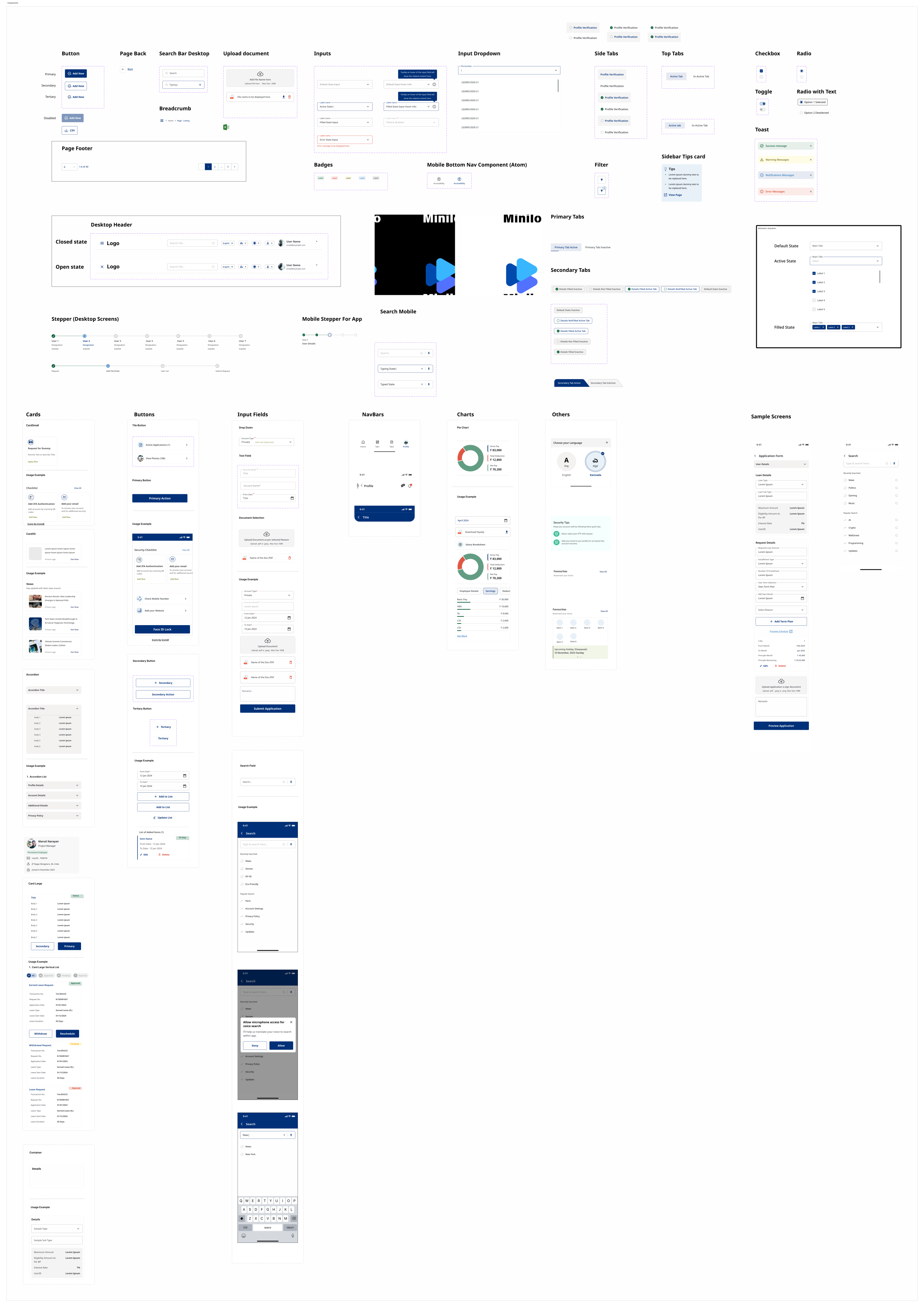
Primary, secondary, tertiary, and tile variants including loading states.
Your core component data remains intact and is now organized for faster scanning, validation, and handoff between design and development.
Primary, secondary, tertiary, and tile variants including loading states.
Profile, item, and layout cards for structured content presentation.
Text field, dropdown, search field, and document selection controls.
Top bars and nav bars for mobile and desktop navigation patterns.
Containers and accordion patterns for grouped, expandable information.
Alert banners for system messaging, validation, and user-facing status updates.
Badges and stat cards for status visibility and metric storytelling.
Section headers and breadcrumbs for page hierarchy and directional context.
Textarea and toggle switch primitives for richer forms and settings flows.
This keeps your original component overview artwork and places it in a cleaner context for reference.